
Screenshots
App details
- Updated
- Jul 25, 2025
- Language
- English
- Developer
- Abelssoft
- Category
- Mobile
SoftPas in:
This product is also available in the following languages:
About WashAndGo
Download WashAndGo – PC Optimization, Disk Cleaner, System Speedup
Overview
WashAndGo is a mobile application developed to streamline the process of maintaining optimal performance on personal computers through intelligent disk cleanup. Designed for users seeking to reclaim storage space and improve system responsiveness, the app targets redundant digital clutter such as temporary files, obsolete safety copies, and zero-byte files that accumulate over time. By systematically identifying and removing these inefficiencies, WashAndGo contributes to a faster, more reliable computing experience. The app is particularly useful for individuals who rely on their devices for daily productivity, content creation, or multitasking, where system lag can disrupt workflow. While the developer did not provide additional background information, the app’s focus on efficiency and user accessibility suggests a targeted approach to solving common PC maintenance challenges. Real-world use cases include preparing a computer for large software installations, improving boot times, or enhancing overall system stability before critical tasks. In the broader app ecosystem, WashAndGo fills a niche for lightweight, purpose-driven tools that empower users to manage their devices proactively without requiring advanced technical knowledge.
Key Features & Functionality
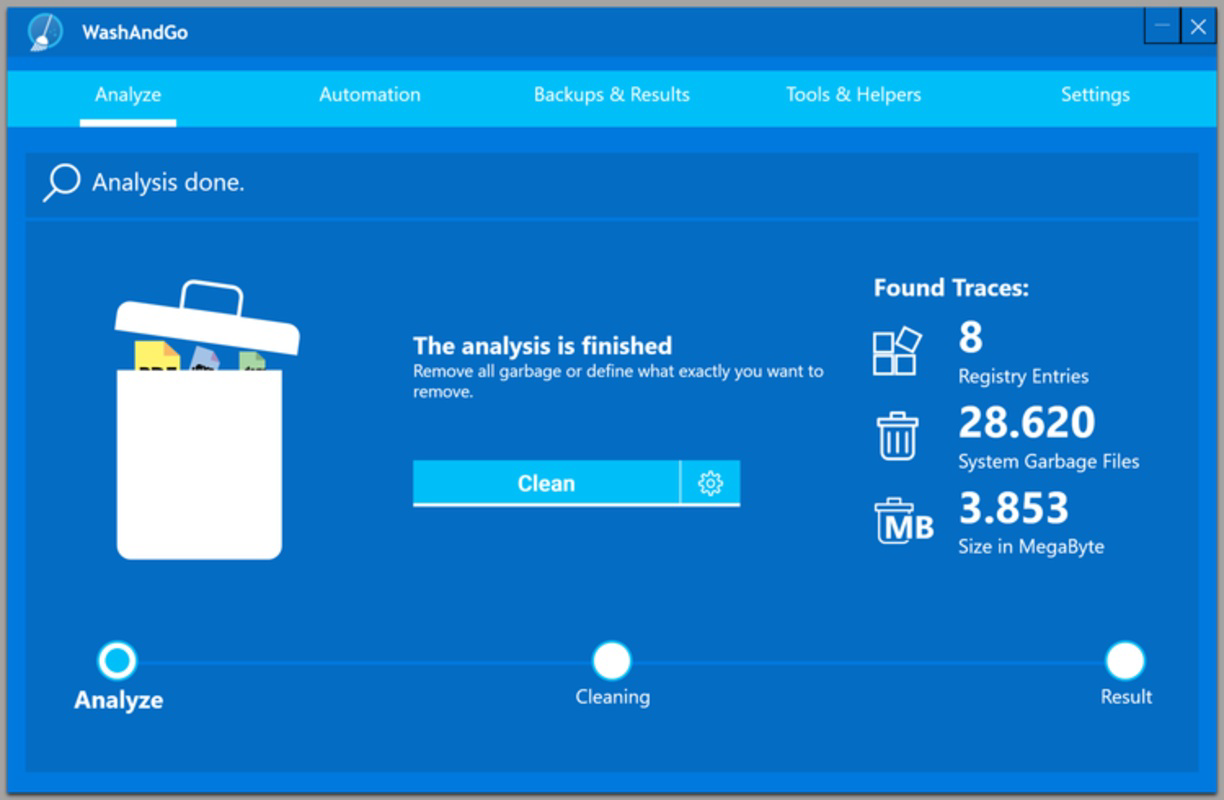
- Efficient Disk Cleaning: WashAndGo targets temporary files, cache data, and other non-essential digital clutter that consumes storage space. By removing these items, the app helps users recover valuable disk capacity and reduce system load, contributing to smoother performance.
- Automated File Removal: The application intelligently detects and deletes outdated safety copies, zero-byte files, and other forms of digital waste. This automation minimizes manual intervention, allowing users to maintain system health with minimal effort.
- User-Friendly Interface: Built with simplicity in mind, the interface enables quick navigation and clear visual feedback. Users can initiate cleaning processes with a single tap, making the tool accessible to individuals with varying levels of technical expertise.
- Performance Boost: By reducing disk fragmentation and eliminating unnecessary files, WashAndGo enhances data access speed and overall system responsiveness. Users may notice faster application launches and improved multitasking capabilities after use.
- Safe File Management: The app is designed to preserve essential system and user files while only targeting known non-essential data. This safeguard ensures that critical information remains intact during the cleanup process, promoting user confidence.
For example, a user preparing for a video editing session might use WashAndGo to clear temporary render files and free up space before importing large media files. Similarly, someone experiencing slow boot times could run the app to eliminate accumulated junk, potentially restoring faster startup speeds. These real-world scenarios illustrate how WashAndGo delivers tangible benefits in everyday computing environments.
Interface, UX & Performance
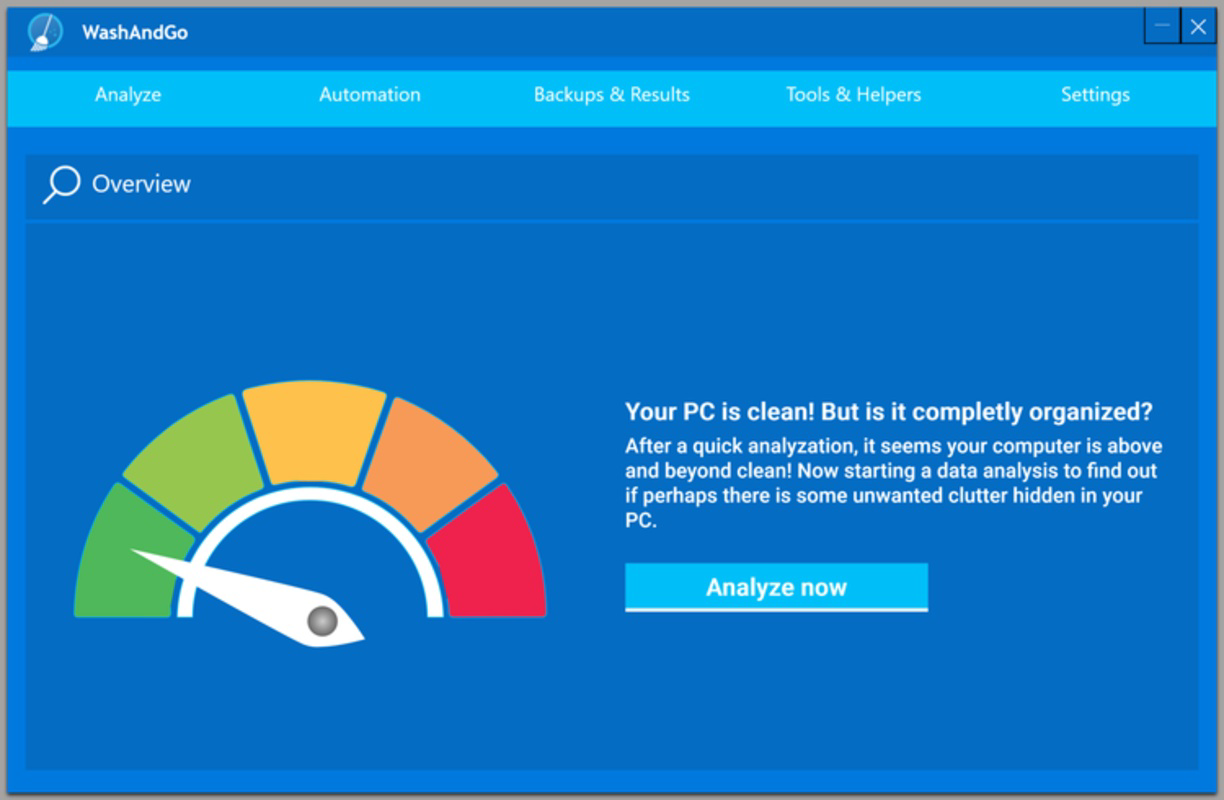
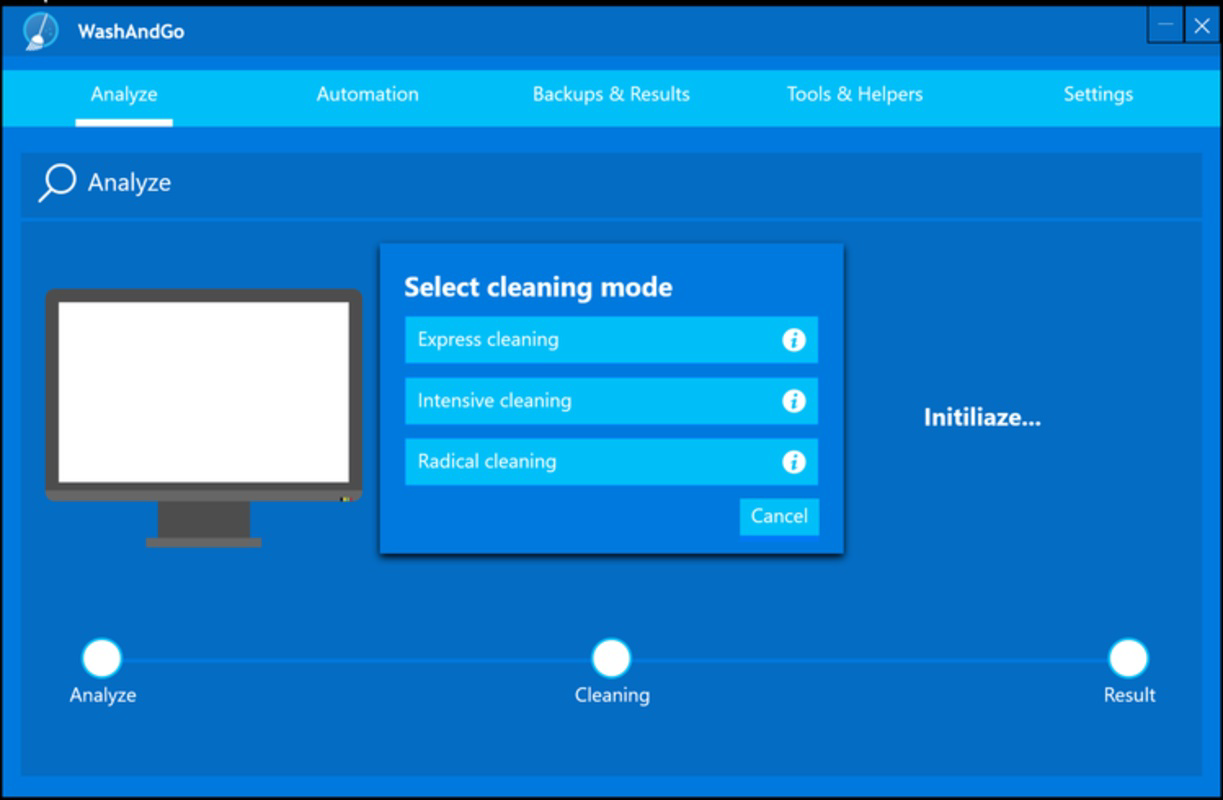
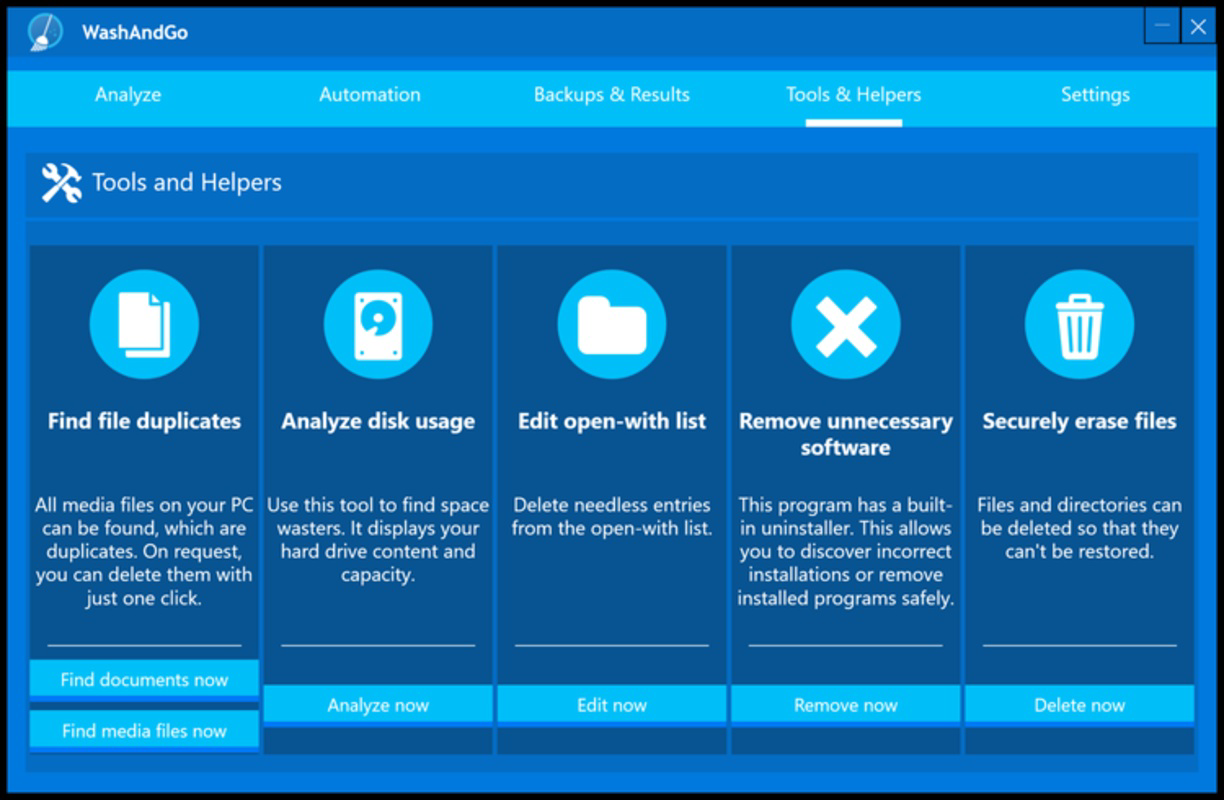
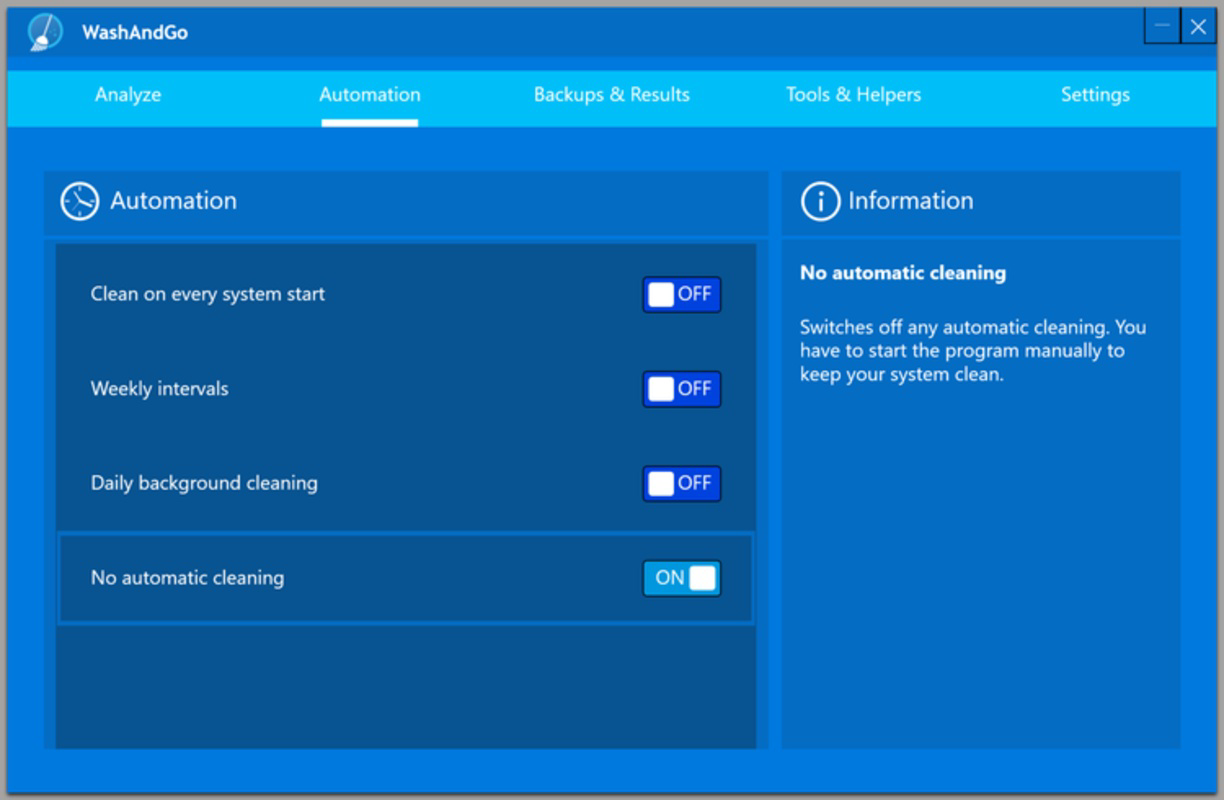
The user interface of WashAndGo is designed with clarity and ease of use in mind. Navigation is straightforward, with a clean layout that prioritizes core functions such as initiating a scan and reviewing results. Visual indicators provide feedback during the cleaning process, helping users understand the progress and impact of the operation. The app maintains a consistent design language, using intuitive icons and minimal text to guide users through each step. Although the developer did not list formal performance metrics, the application appears to operate efficiently across various device categories, with responsive interactions and stable behavior during typical use. Users can expect smooth transitions between screens and minimal lag when performing disk scans or file removals. The app maintains stability even when handling large volumes of data, suggesting optimized resource management. Compatibility with different screen sizes and resolutions is likely, though specific details were not disclosed. Overall, the UX is streamlined to reduce cognitive load, making it suitable for both novice and experienced users. The focus on simplicity does not compromise functionality, offering a balanced experience between accessibility and effectiveness.
Platform Compatibility & Technical Requirements
WashAndGo is available on Android, with a software version of 1.0.0 and a file size of 12.5 MB. The developer did not specify minimum OS requirements, nor did they list compatibility details for iOS or other platforms. The app is designed for mobile devices, suggesting it may function as a remote management tool for PC optimization rather than a direct system-level cleaner. Users should verify device compatibility before installation. Specific hardware requirements were not provided, and no information was shared about supported device types or performance thresholds. The developer did not disclose whether the app requires an internet connection or cloud integration for core functionality. While the app’s lightweight size indicates low storage impact, users should ensure their device meets general Android standards for app installation and operation.
Pros and Cons
- Lightweight design with minimal storage footprint
- Intuitive interface suitable for non-technical users
- Automated detection and removal of junk files
- Focus on safe file management to protect user data
- Efficient disk cleanup with measurable performance gains
- Developer did not provide detailed technical specifications
- No information on iOS or cross-platform availability
- Compatibility with older Android versions not confirmed
- Specific system requirements were not listed
- Performance on low-end devices remains unverified
FAQ
Is WashAndGo safe to use on my PC?
The app is designed to remove only non-essential files such as temporary data and zero-byte files. It does not target system files or user documents, ensuring that important data remains secure during the cleaning process.
Does WashAndGo require an internet connection?
The developer did not specify whether an internet connection is required. Core cleaning functions appear to operate locally, but additional features may depend on connectivity.
Can I use WashAndGo on multiple devices?
Specific details about multi-device usage were not provided. Users should refer to the app’s official documentation or developer support for clarification on licensing and device limits.
How often should I run WashAndGo?
For optimal performance, users may consider running the app weekly or after installing large software packages. The frequency can be adjusted based on individual usage patterns and storage needs.
Is WashAndGo available for iOS?
As of now, the app is only confirmed for Android. No information was provided about future iOS release plans.
Final Thoughts
WashAndGo presents a focused, user-centric solution for maintaining PC performance through intelligent disk cleanup. Its automated file removal, safe handling of data, and intuitive interface make it a valuable tool for individuals seeking to improve their device’s speed and efficiency without technical complexity. While the developer did not disclose full technical details or cross-platform availability, the app’s lightweight design and clear functionality suggest a reliable, low-risk utility. It is especially beneficial for users who prioritize system stability and performance but lack the time or expertise for manual maintenance. For those managing multiple projects or relying on their computers for work and creativity, WashAndGo offers a simple yet effective way to keep their systems running at peak condition. Download WashAndGo now.
Guides & Tutorials
How to install WashAndGo
- Click the Download button above.
- Once redirected, accept the terms and click Install.
- Wait for the WashAndGo download to finish on your device.
How to use WashAndGo
This software is primarily used for its core features described above. Open the app after installation to explore its capabilities.
User Reviews
No reviews yet. Be the first to share your experience.
You may also like
more
Que no te pillen¡
About !Que no te pillen¡Reviewed by Jason A. BilbreyShow MoreShow Less

3D Combat Zone
About 3D Combat ZoneOriginally released in 1983, 3D Combat Zone immerses players...

666: El día del portal
About 666: El día del portalOn June 6, 2006, Agent P. Stone uncovers a sinister...

80 in 1 Best Flash games
About 80 in 1 Best Flash games 80 in 1 Best Flash games is a collection of 80 fl...

ABYSS SEEKERーーWhat Do You See Deep in The Abyss
About ABYSS SEEKERーーWhat Do You See Deep in The AbyssIn ABYSS SEEKER, players...

ACA NEOGEO THE KING OF FIGHTERS 2002 for Windows
About ACA NEOGEO THE KING OF FIGHTERS 2002 for WindowsTHE KING OF FIGHTERS 2002,...